
A laptop is the one piece of technology nearly every college student owns and depends on daily. In a Winter 2025 survey of University of California, Davis students, 96.3% already owned a laptop, and it served as the primary computer for 78.9% of those owners (UC Davis Student Computer Survey, published Mar 10, 2025). That near-universal reliance is exactly what makes the buying decision stressful: choose poorly, and you’re stuck with a slow machine through four years of papers, problem sets, and late-night group projects. This guide breaks down seven current 2026 laptops across budgets and majors, plus the buying criteria that actually matter before you check out.
Key Takeaways
- Windows remains the most common primary OS among students at roughly 49%, with macOS at about 25.5%, according to a single-campus UC Davis survey (n=161).
- Back-to-school spending is rising: families plan to spend an average of $1,437.79 in 2026, up from $1,325.85 in 2025, with electronics alone averaging $341.95 per shopper (NRF/Prosper Insights & Analytics).
- Sub-$600 options are now genuinely capable: the Dell XPS 13 (2026) starts at $599 for students, and Apple’s MacBook Neo also starts at $599, its first Mac under that price.
- Chromebook shipments grew 26.3% year-over-year in 2025, the fastest-growing laptop category tracked by Gartner and IDC, making budget Chromebooks a legitimate pick for many majors.
- The right laptop depends more on your major’s software demands than on brand loyalty: engineering and CS students need RAM and durability; design students need color-accurate displays and GPU headroom.
How to Choose a College Laptop
The operating system, budget, portability, and durability of a laptop matter more for college life than any single benchmark score. Most students use their laptop for six to eight hours a day across lecture halls, libraries, and dorm rooms, so the right choice balances what your major’s software requires against what you can realistically carry and afford for the next four years.
Windows, Mac, or Chromebook: Which OS Fits Your Classes
Windows is still the default choice for most college students, but the gap with macOS has narrowed. In the UC Davis Winter 2025 survey, Windows accounted for about 49% of students’ primary computers (Windows 11 at 40.4% plus Windows 10 at 8.7%), while macOS accounted for roughly 25.5% (Sequoia at 18.0% plus Sonoma at 7.5%). For contrast, StatCounter’s broader U.S. desktop data from June 2026 puts Windows at 53.33%, macOS at about 30.16%, Linux at 5.71%, and Chrome OS at 2% among all U.S. desktop users, not just students. The UC Davis figure is single-campus data (n=161) and should not be read as a national number, but it does suggest that Mac ownership among students runs a bit lower than the general population’s Mac share, likely because campus-specific software (statistics packages, CAD tools, engineering suites) still leans Windows-first at many schools.
Chromebooks have become a real third option, not just a backup laptop. Global Chromebook shipments reached 22.11 million units in 2025, up 26.3% year-over-year and now about 8.2% of all PC shipments, while Mac shipments grew 11.1% to 25.6 million units in the same year (Gartner and IDC data, as reported by DQ India, January 2026). Total worldwide PC shipments hit 270.22 million units in 2025, up 9.1% year-over-year (Gartner research, reported January 2026), signaling that the entire laptop market, not just one OS, is in a genuine growth cycle heading into the 2026 school year.

Budget: What Back-to-School Costs Actually Look Like in 2026
Expect to spend more on back-to-school shopping in 2026 than in 2025, laptop included. College students and their families plan to spend an average of $1,437.79 on back-to-school shopping in 2026, up from $1,325.85 in 2025, according to the National Retail Federation’s survey with Prosper Insights & Analytics (n=7,677, published Jul 14, 2026). Electronics alone average $341.95 per shopper in 2026, up from $309.50 the year before, and total college back-to-school spending is forecast at $103.5 billion nationwide. A laptop is typically the single largest line item inside that electronics category, which is why the sub-$600 picks below matter as much as the premium ones.
Portability and Battery Life for Full Days on Campus
A laptop that needs a mid-afternoon charge isn’t a good fit for a student who moves between a 9 a.m. lecture, a library study block, and a night class. Look for a device under 3 pounds if you’re walking a large campus daily, and prioritize a real-world battery rating of 10 hours or more, since manufacturer estimates typically run higher than actual classroom-and-dorm use. General buying advice, not a specific manufacturer claim, is to expect any laptop’s battery capacity to fade gradually over years of daily charging, so a bit of headroom above your minimum daily need pays off later in ownership.
Durability: Built to Survive Four Years
A laptop bought freshman year needs to survive backpacks, dorm moves, and coffee-shop studying through senior year, so hinge quality and keyboard build matter as much as the spec sheet. Students satisfied with their institution’s overall tech environment were more likely to report a smooth experience with their personal devices too: EDUCAUSE’s 2025 Students and Technology Report found 69% of students overall are satisfied with institutional tech services, rising to 85% at institutions students rated “cutting edge” and dropping to 34% at those rated “lagging” (EDUCAUSE, published Apr 14, 2025). That 51-point gap between “cutting edge” and “lagging” campuses suggests a student’s day-to-day tech experience is shaped as much by campus IT infrastructure, Wi-Fi, printing, and LMS reliability as by the personal device itself. A well-built personal laptop can’t fix weak campus Wi-Fi, but it does reduce the number of things that can go wrong on your end.
Best Overall: ASUS Zenbook 14 OLED (2026)
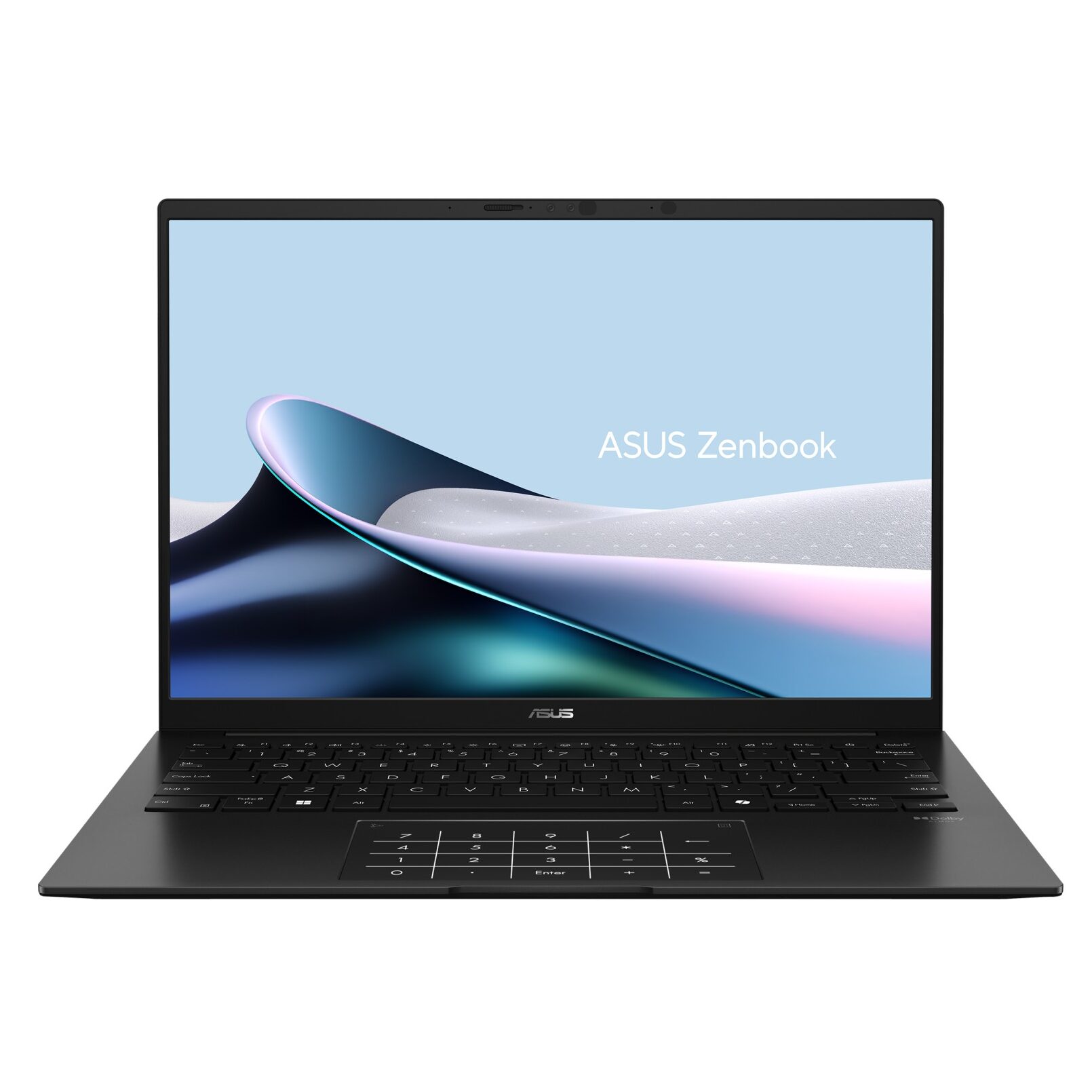
The ASUS Zenbook 14 OLED earns the overall pick because it pairs a genuinely excellent display with all-day battery life at a price most students can justify. It runs either an AMD Ryzen AI 9 HX 370 or an Intel Core Ultra 7 258V, with 16GB of RAM and a 14-inch 2880×1800 OLED panel refreshing at 120Hz, priced from $999 to $1,199. Real-world battery life lands around 10 to 12 hours, enough for a full class day without hunting for an outlet.
Why it fits: this laptop handles everything from word processing and spreadsheets to photo editing and light video work without the compromises typical of budget machines. The OLED screen is a genuine advantage for students who spend hours reading PDFs and lecture slides, since the sharper contrast reduces eye strain in dim lecture halls and late-night library sessions.
Best Budget (Under $600): Dell XPS 13 (2026)
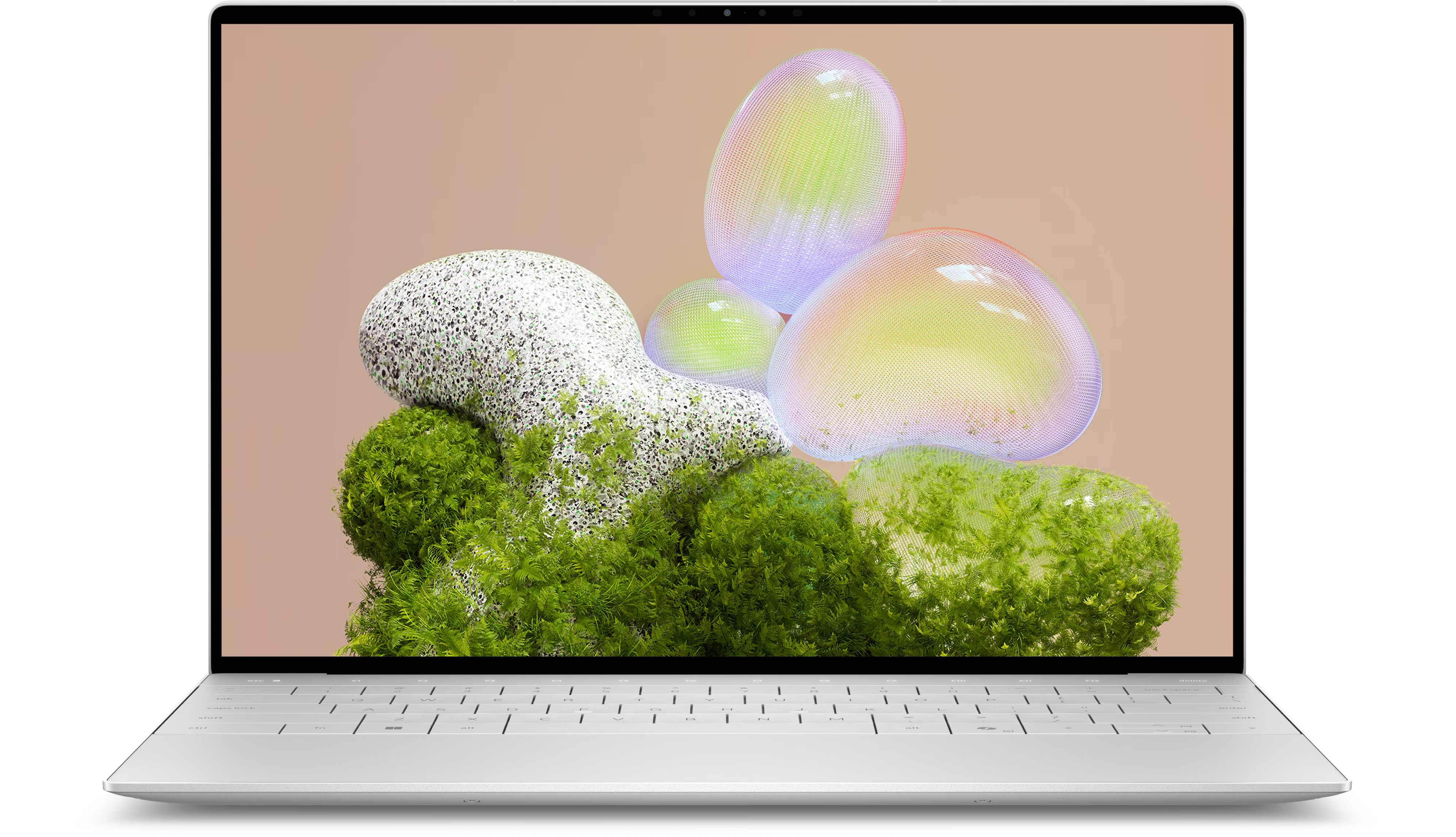
The Dell XPS 13 (2026, model DX13260) is the strongest sub-$600 laptop on this list, at $599 with student pricing (general public pricing is $699). It runs an Intel Core 5 320 processor with 8GB of RAM, 512GB of SSD storage, and a 13.4-inch 2.5K touchscreen at 120Hz, all packed into a 2.2-pound chassis.
Why it fits: at under $600, this is enough machine for note-taking, research papers, browser-based coursework, and most non-technical majors, without the compromises that used to define budget Windows laptops. Students who prefer macOS now have a genuine budget option too: the Apple MacBook Neo, also $599, is Apple’s first sub-$600 Mac, built around an A18 Pro chip with 8GB of RAM, 256GB of SSD storage, and a 13-inch Liquid Retina display.
Best for CS and Engineering Majors: Lenovo ThinkPad X1 Carbon Gen 13 (Aura Edition)
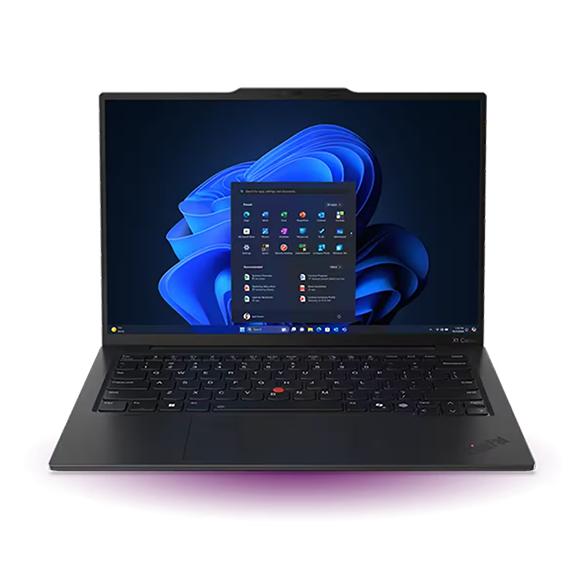
The Lenovo ThinkPad X1 Carbon Gen 13 (Aura Edition) is built for the workloads that CS and engineering coursework actually demands: compiling code, running virtual machines, and juggling CAD or simulation software alongside a dozen browser tabs. Pricing runs from about $1,581 up to $2,519 for the 32GB configuration, with an Intel Core Ultra 7 258V or 255U processor, 32GB of RAM, a 14-inch 2.8K OLED display, roughly 17 hours of battery life, and a 2.17-pound weight, all backed by MIL-SPEC durability testing.
Why it fits: 32GB of RAM gives real headroom for running an IDE, a database instance, and a browser with 20 tabs open at once, something 8GB or 16GB machines start to choke on by junior year. The MIL-SPEC build quality also matters for a major where the laptop travels to labs, hackathons, and group project sessions far more than a typical liberal arts schedule.
Best for Creative and Design Majors: Apple MacBook Pro 14″ (M5 Pro)
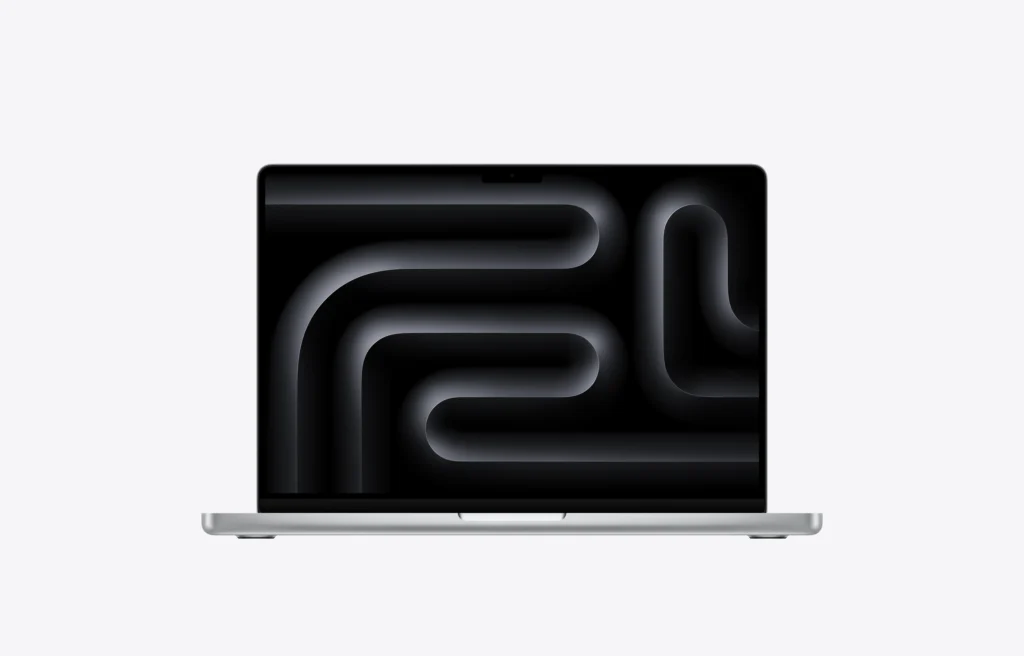
The MacBook Pro 14-inch with the M5 Pro chip is the clear pick for design, film, photography, and animation majors who need color accuracy and rendering power the rest of this list doesn’t offer. It starts at $2,199 with an 18-core CPU, a GPU rated up to 50% faster than the previous M4 generation, 24GB or more of unified memory, 1TB of SSD storage, and Apple’s Liquid Retina XDR display.
Why it fits: the Liquid Retina XDR panel is calibrated for professional color work, which matters directly for majors grading footage or proofing print layouts, and the unified memory architecture keeps large Adobe Creative Cloud or Final Cut Pro projects responsive instead of grinding to a crawl. This is the most expensive pick on the list, and it’s worth it only if your coursework genuinely uses GPU-heavy creative software daily.
Best Chromebook: Acer Chromebook Plus 514
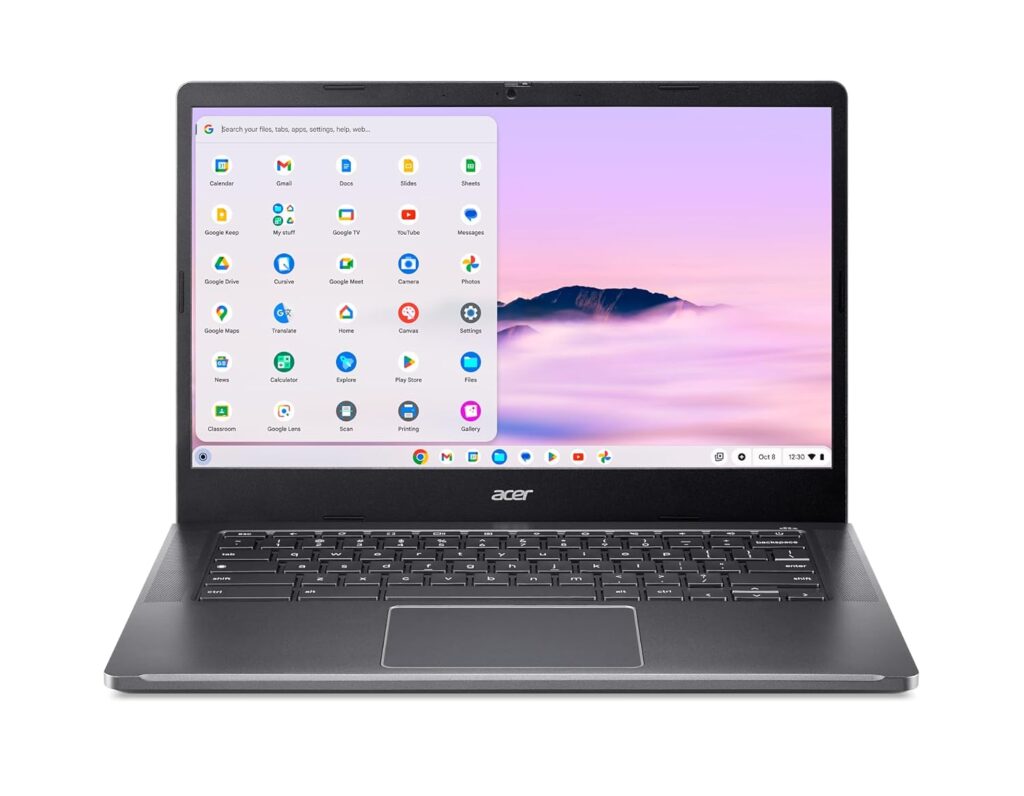
The Acer Chromebook Plus 514 is the pick for students whose coursework lives mostly in a browser: writing, research, email, and cloud-based apps like Google Docs or Canvas. It costs $449.99, runs an 8-core Intel Core i3-N305 processor, includes 512GB of storage, and pairs a 14-inch 1920×1080 IPS touchscreen with 10 to 12 hours of real-world battery life.
Why it fits: this is the cheapest capable laptop on the list, and ChromeOS’s automatic updates and lighter footprint mean less time troubleshooting and more time actually working. Students who want a step up can consider the Lenovo Chromebook Plus 14 at $650, which adds a MediaTek Kompanio Ultra 910 chip, an OLED display, Dolby Atmos audio, and a manufacturer-claimed battery life of up to 17 hours.
Best 2-in-1 or Convertible: Microsoft Surface Pro (2025, Snapdragon X Plus)
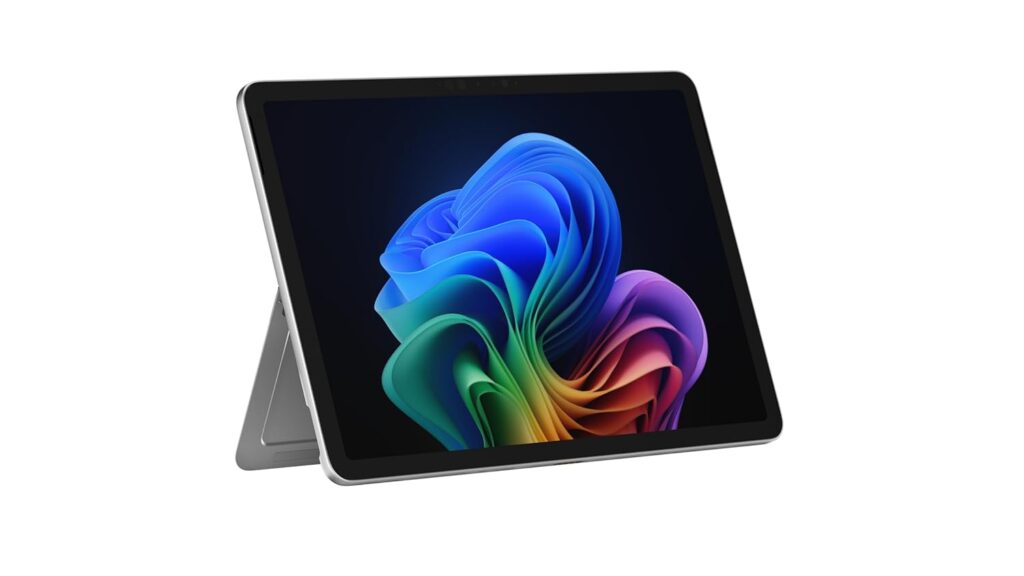
The Microsoft Surface Pro with the Snapdragon X Plus chip fits students who take handwritten notes, sketch diagrams, or want a tablet for reading that converts into a full laptop for typing papers. It’s priced at $899, runs an 8-core Snapdragon X Plus processor, and features a 12-inch 2196×1464 touchscreen with a detachable keyboard and pen input, rated for 10 to 13 hours of battery life.
Why it fits: the detachable form factor genuinely changes how you can use a laptop in a lecture hall, propped up for reading during class and pulled apart for handwritten annotation, then reassembled at a desk for typing an essay that evening. It’s a strong fit for STEM majors who annotate equations directly, and for note-heavy humanities majors who prefer handwriting over typing during lectures.
Best Battery Life: Acer Swift 16 AI (2026)
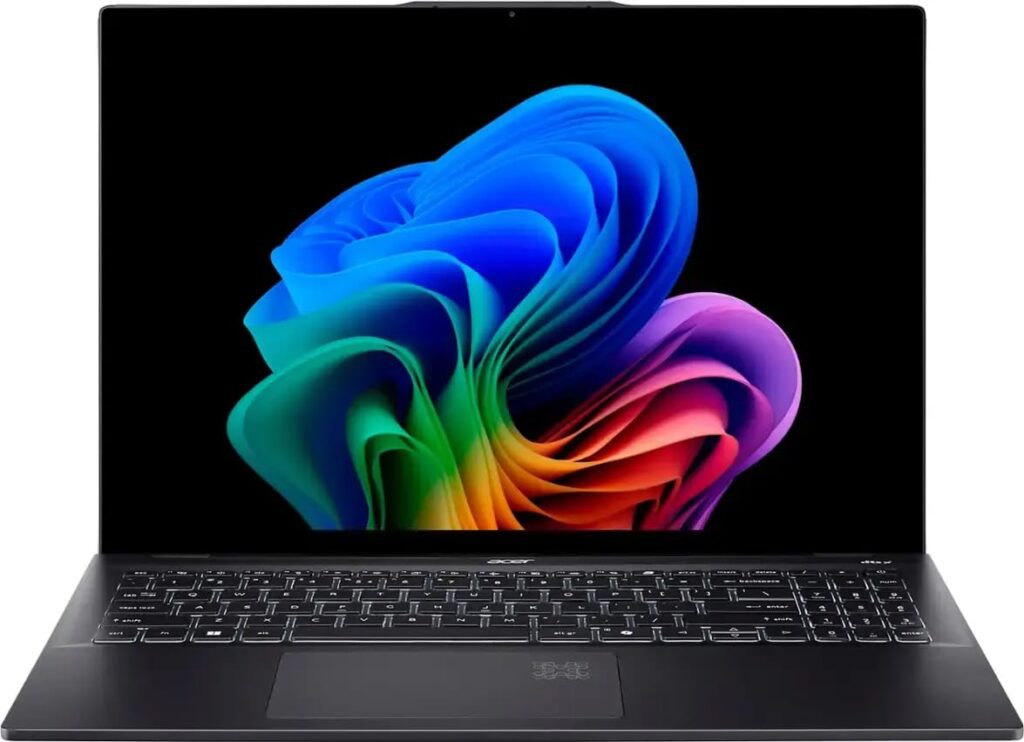
The Acer Swift 16 AI leads this list on battery life, rated for up to 17 hours on a single charge, which covers the longest campus day without a charger in your bag. It starts around $1,239 for the base configuration, climbing to $1,549 to $1,899 for higher configurations, and runs an Intel Core 7 or Core Ultra X7 358H processor with 16GB to 32GB of RAM, a 16-inch OLED display at 2880×1800 resolution, and a weight of about 3 pounds.
Why it fits: 17 hours of rated battery life puts this on par with the ThinkPad X1 Carbon and the Lenovo Chromebook Plus 14, but in a larger 16-inch OLED format that suits students who want a bigger screen for research, spreadsheets, or media without sacrificing all-day power away from an outlet.
Compare All 7 Picks at a Glance
| Pick | Model | Price | Best For |
| Best Overall | ASUS Zenbook 14 OLED (2026) | $999-$1,199 | Most majors, all-around use |
| Best Budget (Under $600) | Dell XPS 13 (2026) / MacBook Neo | $599 | Tight budgets, non-technical majors |
| Best for CS/Engineering | Lenovo ThinkPad X1 Carbon Gen 13 | $1,581-$2,519 | Coding, CAD, virtual machines |
| Best for Creative/Design | Apple MacBook Pro 14″ (M5 Pro) | From $2,199 | Film, photo, design, animation |
| Best Chromebook | Acer Chromebook Plus 514 | $449.99 | Browser-based coursework, tight budgets |
| Best 2-in-1 | Microsoft Surface Pro (Snapdragon X Plus) | $899 | Handwritten notes, sketching, STEM annotation |
| Best Battery Life | Acer Swift 16 AI (2026) | $1,239-$1,899 | Long campus days, bigger-screen preference |
Frequently Asked Questions
Do I need a gaming laptop for college?
Most majors don’t require a gaming laptop; the added weight, shorter battery life, and higher price rarely pay off for coursework. The exception is majors with genuinely GPU-heavy workloads, like game design or 3D animation, where a discrete GPU speeds up rendering. For everyone else, the ASUS Zenbook 14 OLED or ThinkPad X1 Carbon on this list handle typical coursework without the compromises a gaming chassis introduces.
Is a Chromebook enough for college?
A Chromebook is enough for students whose work is mostly writing, research, email, and browser-based apps like Google Workspace or Canvas. It’s not enough for majors that require locally installed software such as CAD programs, certain statistics packages, or professional creative suites. Chromebook shipments grew 26.3% year-over-year in 2025 (Gartner/IDC), which reflects how many students across majors now find browser-based computing sufficient for daily coursework. [INTERNAL-LINK: what Chromebooks can and can’t run → Chromebook software compatibility guide]
Should I buy a laptop before freshman year or wait until orientation?
Buy before move-in if your major has known software or hardware requirements, since some programs specify minimum RAM or a particular OS before classes start. If your major has no specific requirements, waiting until orientation lets you confirm what your actual class load needs before spending. Either way, back-to-school pricing and student discounts, like the $599 student rate on the Dell XPS 13, are usually available in the weeks before the semester starts, not just on one single date.
Windows or Mac: does it actually matter for classes?
For most majors, no: Google Docs, Canvas, Zoom, and standard office software run the same on both. It matters more when your specific coursework requires software built for one OS, which is why CS and engineering programs often lean Windows and design programs often lean Mac. The UC Davis survey shows Windows still leads among students at about 49% versus roughly 25.5% for macOS, but that gap is narrower than the general U.S. population’s OS split.
How much RAM do I actually need in 2026?
8GB is workable for browser-based coursework and writing, 16GB is a safer baseline for multitasking across office apps and a dozen browser tabs, and 32GB is worth paying for only if you’re running development environments, virtual machines, or heavy creative software daily. The ThinkPad X1 Carbon’s 32GB configuration exists specifically for that last group of students.
Final Verdict
Most students don’t need the most expensive laptop on this list, they need the one that matches their major’s actual software demands and their real budget. The ASUS Zenbook 14 OLED covers the widest range of coursework at a reasonable price, the Dell XPS 13 and Apple MacBook Neo prove that sub-$600 laptops are genuinely usable in 2026, and the ThinkPad X1 Carbon or MacBook Pro make sense only if your major specifically demands that power. With back-to-school electronics spending averaging $341.95 per shopper this year (NRF/Prosper Insights, 2026), it’s worth spending a few extra minutes matching the laptop to the coursework before you buy, rather than defaulting to whichever brand a roommate recommends.